

The dependency risk table, explained
Status, user impact, and remediation for every third-party service — the most-used page in any assessment.
When teams open a readiness report, this is the page they screenshot and paste into Slack. The dependency risk table turns a vague worry — “will our stack work in China?” — into a specific, assignable list of fixes.
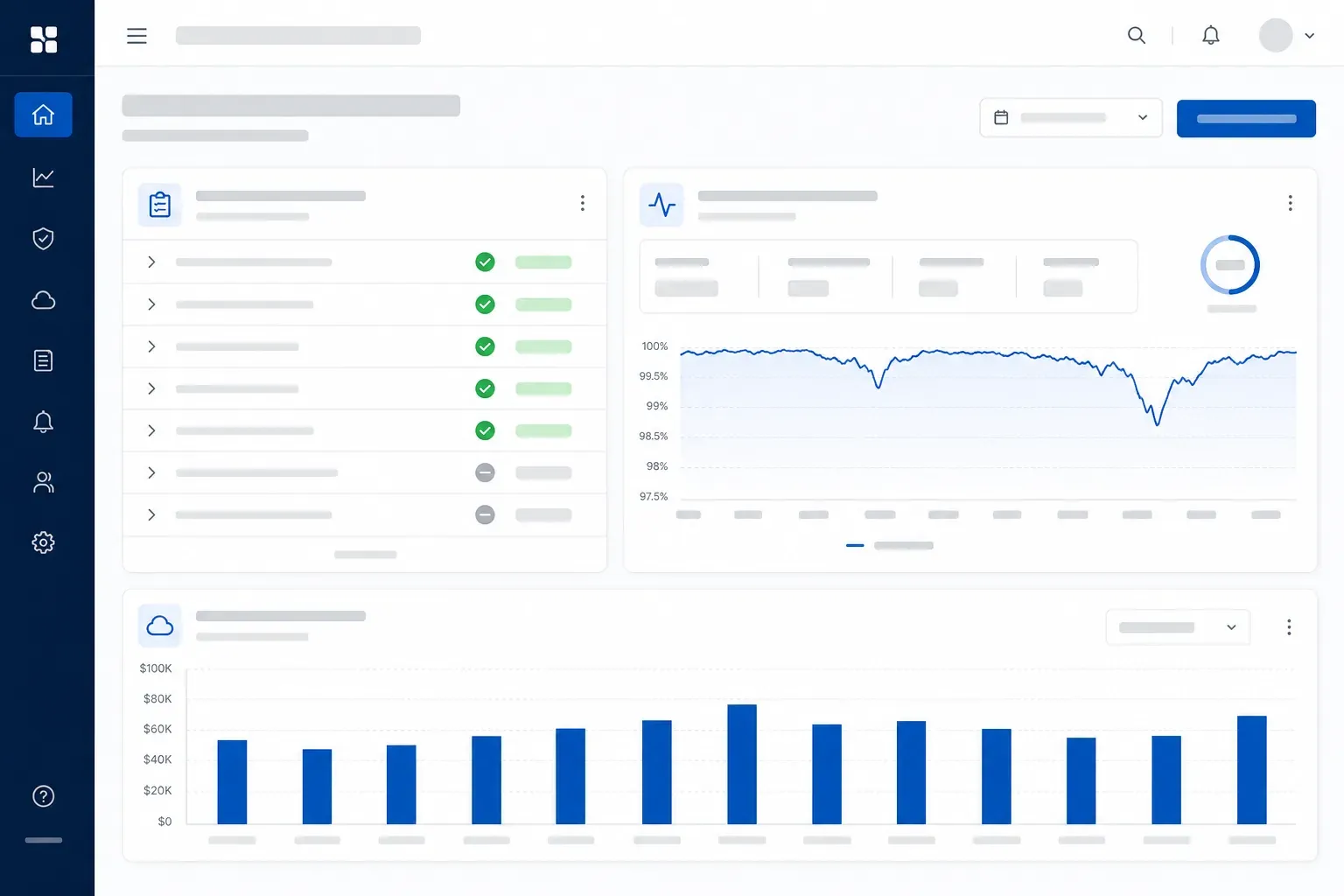
How to read it
Each row is one third-party dependency, scored on three axes:
| Dependency | China behavior | User impact | Remediation |
|---|---|---|---|
| Google Fonts | Blocked | FOUT / layout shift | Self-host or China mirror |
| reCAPTCHA | Blocked | Login impossible | Replace with China-compatible captcha |
| Auth0 | Degraded | Slow or failed login | Regional routing or alternative IdP |
| Stripe.js | Degraded | Checkout friction | Conditional load; local payment review |
| YouTube embeds | Blocked | Empty player | Host video on a China-reachable CDN |
| Intercom | Degraded | Support widget missing | Lazy-load with a fallback contact |
Why it works
The table is sorted by user impact, not by how hard the fix is. That ordering is deliberate: it forces the conversation toward what actually hurts your users, and lets you defer the cosmetic problems without losing track of them.
Map your own dependencies and the rest of the route recommendation almost writes itself.